What Not to Share With AI Chatbots
Seven kinds of information to keep out of AI chatbots, the privacy settings worth changing and safer ways to use AI for sensitive work.
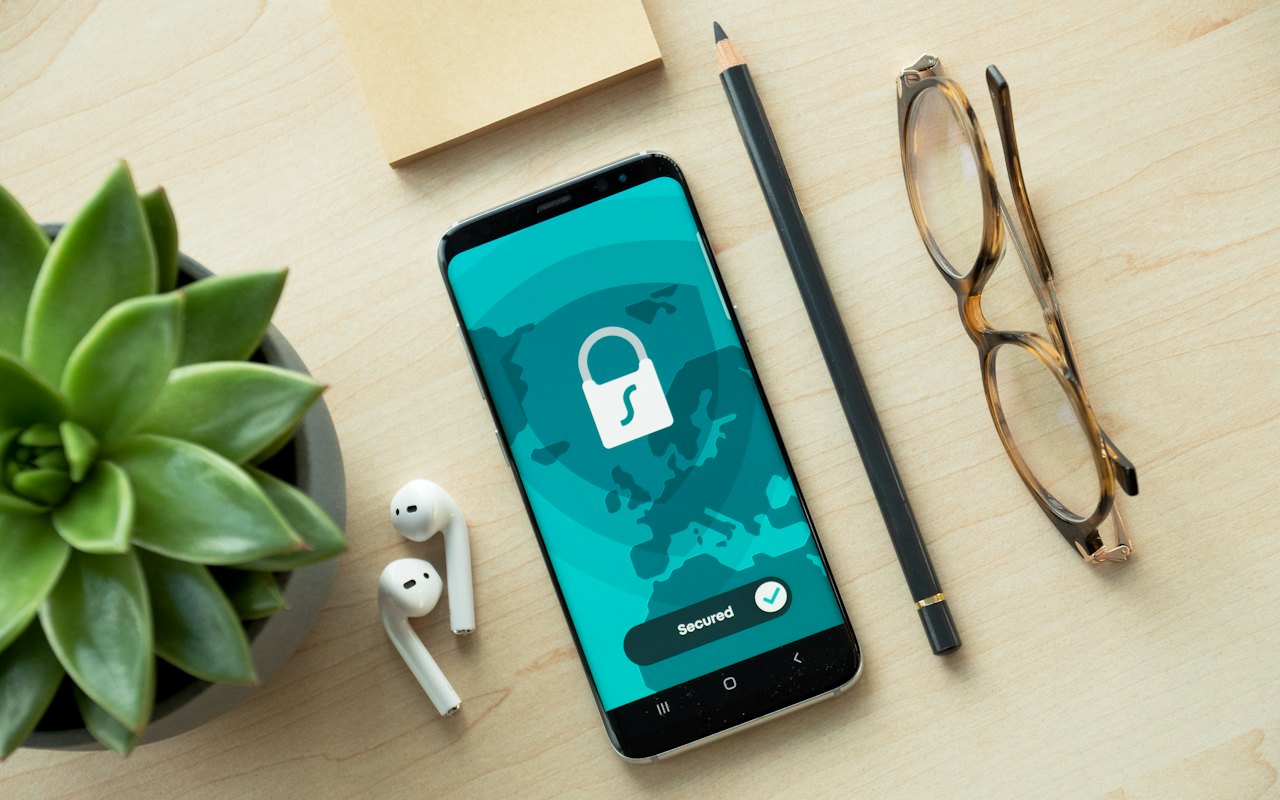
Chatbots are useful precisely because you can hand them your real problems: the awkward email, the confusing contract, the spreadsheet that will not balance. That makes it easy to share more than you should. This guide sets out what to keep back, which settings to check, and how to get help with sensitive material safely.
What happens to what you type
When you use a cloud AI service, your prompt and any files you attach are sent to the company's servers. Depending on the service, the plan and your settings:
- conversations may be stored in your history and on the company's systems;
- they may be used to improve future models, unless you opt out or the plan excludes it;
- a sample may be reviewed by staff or contractors for safety and quality;
- they may be retained for a period even after you delete them, for legal or security reasons;
- they could be exposed in a breach, or disclosed in response to a legal demand.
None of this is unusual for online services. The difference is the kind of thing people type into a chatbot.
Seven things to keep out
1. Passwords, PINs and security codes. There is never a reason to share one.
2. Payment and banking details. Card numbers, account numbers, security answers.
3. Identity documents and numbers. Passport, national insurance or social security numbers, driving licence scans.
4. Other people's personal information. A customer list, a colleague's medical situation, a friend's private message. They have not agreed to it, and data protection law may apply to you.
5. Confidential work material. Source code, unreleased financial results, client documents, legal advice, trade secrets — unless your employer has approved the tool. Companies have suffered leaks from staff pasting material into consumer chatbots.
6. Detailed health, legal or financial information tied to your identity. You can ask about a condition or a contract clause without giving your name, address and reference numbers.
7. Anything you would not want read out in public. A reasonable test for everything else.
Settings worth checking
Menus differ between services and change, but look for these in the privacy or data controls:
- Training. Whether your conversations are used to improve models. Most consumer services offer a switch.
- Chat history. Whether chats are saved, and how to delete them.
- Temporary or private chats. A mode where the conversation is not kept in history or used for training.
- Memory. Whether the assistant remembers facts about you between chats. Review and delete what it has stored.
- Connected apps. Which accounts and files it can reach. Remove what you do not use.
- Shared links. Conversations you have shared publicly may be visible to anyone with the link.
- Two-step verification on the account itself.
Check them when you sign up and again every few months.
Safer ways to get help with sensitive material
Remove the identifying details. Replace names with "Person A", delete account numbers, change dates. The answer is usually just as good.
Describe instead of pasting. "A clause says the tenant must give two months' notice — what does that typically mean?" works without the whole tenancy agreement.
Use a temporary chat for anything personal.
Use a business plan at work. Paid team and enterprise plans generally promise not to train on your data and offer admin controls and contractual protections. Use the tool your employer has approved, not a personal account.
Run a model locally. With an open model on your own computer, nothing leaves the machine. See how to run AI models locally.
Agents raise the stakes
An AI agent that can read your email, browse the web and make purchases has access to far more than a chat window. Tools such as Meta's Muse, assistants that join meetings and phones that screen calls are useful and need extra care.
- Connect only what a task needs.
- Keep approval on for payments and for messages sent in your name.
- Beware of hidden instructions. Web pages, emails and documents can contain text designed to manipulate an agent — known as prompt injection.
- Tell people when an AI is recording or transcribing a conversation; in many places you are legally required to.
- Review permissions regularly.
Our explainer on AI agents covers how they work.
At work
- Follow your employer's policy. If there is none, ask before using AI with company data.
- Client and customer data usually cannot be put into tools your organisation has not approved.
- Regulated fields such as health, law and finance have additional duties of confidentiality.
- You remain responsible for what you produce with AI, including errors; see AI hallucinations explained.
For parents
- Check the minimum age for each service.
- Talk to children about not sharing names, addresses, school details or photos.
- Use family and supervision settings where available.
- Remind them that a chatbot is not a friend or a counsellor, however it sounds.
Your rights
Depending on where you live, data protection law may give you the right to see the data a company holds about you, have it corrected or deleted, and object to certain uses. AI companies provide forms for these requests. Regulation of AI itself is also tightening; see what changes under the EU AI Act.
A simple rule
Before you press send, ask: would I be comfortable if this appeared in a data breach with my name on it? If not, take the details out, use a private mode, or use a tool that keeps the data on your side.
Frequently asked questions
Is it safe to share personal information with ChatGPT?
Avoid sharing sensitive personal details. Conversations are sent to the company's servers and may be stored or used to improve models, depending on your settings.
Can I stop AI companies training on my chats?
Most consumer services offer a setting to opt out, and business plans generally exclude customer data from training. Check the privacy controls.
Should I use AI chatbots for confidential work documents?
Only with a tool your employer has approved, ideally on a business plan with contractual protections.
What is the most private way to use AI?
Running an open model on your own computer, so that your prompts never leave the device.
This article was checked against the sources listed above on 12 November 2026. AI products change quickly: features, prices and availability can differ by plan and country, so confirm details with the company before relying on them. GetAIHow is independent and not affiliated with the companies it covers. Read our editorial policy and disclaimer.