ChatGPT Images 2.6 Adds Animated GIFs: How to Use It
OpenAI's image update brings animated GIFs, reusable reference images and faster generation to ChatGPT. What is new and how to try it.
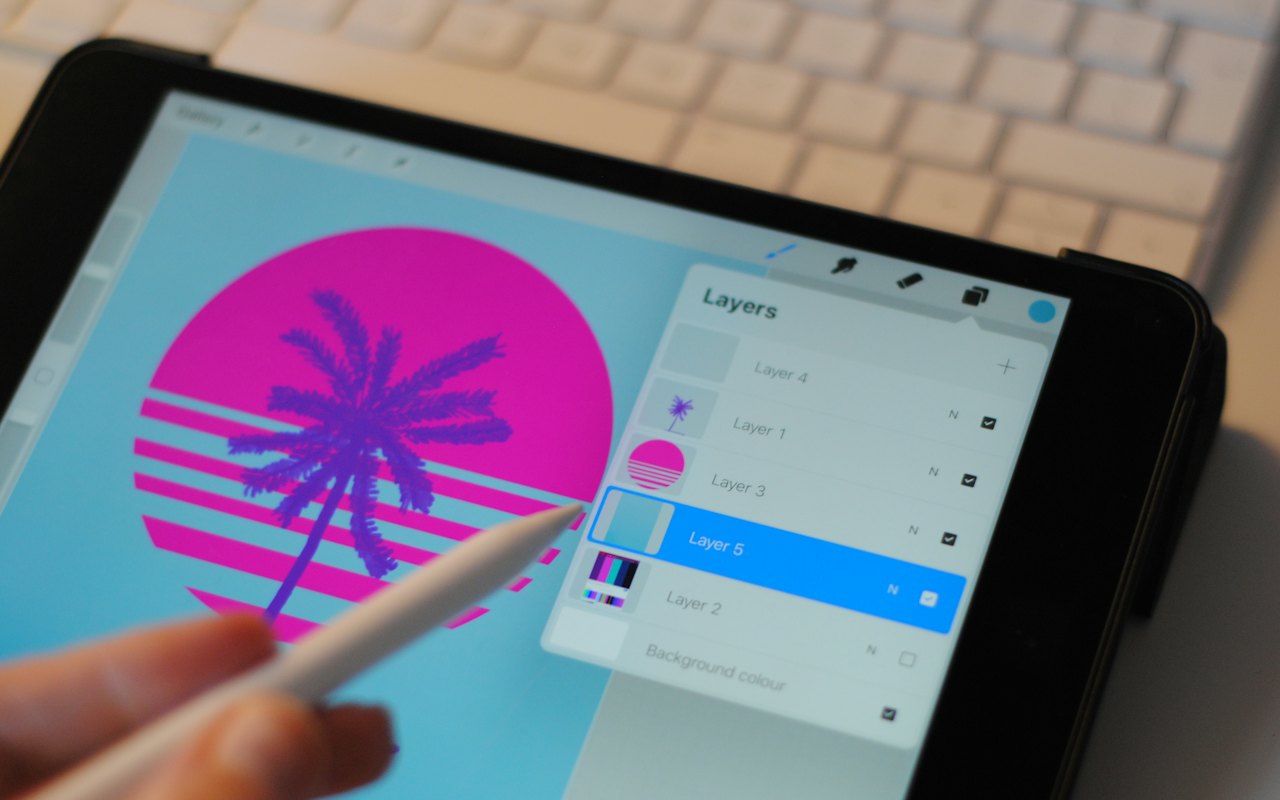
OpenAI has updated the image tools inside ChatGPT. Images 2.6, released on 4 November 2026, adds animation for the first time, along with a way to keep characters consistent between pictures. It rolled out to ChatGPT and Codex users on web, desktop and mobile.
What is new
Animated GIFs. You can turn a text prompt or an existing image into a short looping animation. You can adjust playback speed, edit individual frames and choose whether it loops.
Reference images. You can save the likeness of a person, pet or character and reuse it in later images without uploading the photo again. This addresses one of the commonest complaints about AI image tools: a character who looks different in every picture.
Speed. OpenAI says generation is about 50% faster overall. It has not said which kinds of image benefit most.
How to make an animated GIF
- Open ChatGPT and start a new chat.
- Describe what you want and say it should be animated: for example, "an animated GIF of a paper boat drifting across a puddle, looping smoothly, flat illustration style".
- Or upload a picture and ask ChatGPT to animate it, saying what should move.
- When the result appears, ask for changes in plain language: "slow it down", "make the loop seamless", "keep the background still".
- Download the GIF.
Tips for better results
- Describe one simple motion. Short loops work best with a single clear movement.
- Say what should stay still. It reduces flicker.
- Name a style. "Flat illustration", "pixel art" or "watercolour" give more consistent frames than a bare description.
- Ask for the loop. If the end does not match the start, say so.
More techniques are in our guide to writing prompts for AI image generators.
How to use reference images
- Upload a clear photo of the person, pet or character.
- Ask ChatGPT to save it as a reference, with a name.
- In later prompts, refer to it by that name.
Use this responsibly. Only save likenesses of people who have agreed to it. Making realistic images of real people without consent can break platform rules and, increasingly, the law. From 2 December 2026 the EU bans AI systems that produce non-consensual intimate imagery; see what changes under the EU AI Act.
For developers: two new API models
| Model | Positioned as | What OpenAI says |
|---|---|---|
| GPT-Image-2.6 Flare | Speed | Images in as little as six seconds |
| GPT-Image-2.6 Sunburst | Quality | Better output, more consistent edits, image markup and SVG export |
OpenAI did not publish API pricing in the announcement. Check its pricing page before building on either model.
How much is being made
OpenAI says more than 4 billion images a week are now generated across ChatGPT and its API, up from 3 billion in September.
Figures reported by OpenAI for ChatGPT and its API combined.
That volume is one reason labelling matters. As AI pictures and animations become routine, telling them apart from photographs gets harder; our guide to spotting AI-generated images lists what to look for.
Limits to keep in mind
- Plan limits. The update reached all users, but the number of images you can make depends on your plan.
- Text in images is better than it was and still not reliable. Check spelling.
- Content rules apply. Requests involving real people, brands and copyrighted characters may be refused.
- Rights. Check OpenAI's terms before using output commercially.
How we know
This report draws on AI Weekly's account of OpenAI's announcement, which was made on its developer community site. We have not tested every feature ourselves, and availability can vary by region.
Sources
Frequently asked questions
Can ChatGPT make animated GIFs?
Yes. Since Images 2.6, released on 4 November 2026, ChatGPT can turn a prompt or an image into an animated GIF.
Is ChatGPT Images 2.6 free?
The update rolled out to all ChatGPT users, including free accounts. How many images you can generate depends on your plan.
How do I keep a character consistent in ChatGPT images?
Save a reference image of the character and refer to it by name in later prompts.
What are GPT-Image-2.6 Flare and Sunburst?
They are the two new image models in OpenAI's API: Flare is the faster option and Sunburst the higher-quality one.
This article was checked against the sources listed above on 12 November 2026. AI products change quickly: features, prices and availability can differ by plan and country, so confirm details with the company before relying on them. GetAIHow is independent and not affiliated with the companies it covers. Read our editorial policy and disclaimer.