How to Run AI Models on Your Own Computer
Run a chatbot offline with free open models. What hardware you need, which tools make it easy, and the trade-offs against cloud AI.
You do not need an account with an AI company to use a chatbot. A growing number of capable models are published openly, and free tools let you download one and talk to it on your own computer, with nothing leaving your machine. This guide explains what that involves.
Why run a model locally
- Privacy. Your prompts and files stay on your computer.
- Offline use. It works on a plane or with no connection.
- Cost. The software and models are free; you pay only for hardware and electricity.
- Control. No usage limits, no sudden changes to the model you rely on.
- Learning. It is the best way to understand how these systems work.
What you give up
- Capability. The best cloud models are much larger than anything a home computer can run, and better at hard reasoning and long tasks.
- Convenience. No built-in web search, image creation or polished apps unless you add them.
- Speed on modest hardware.
- Up-to-date knowledge. A local model knows nothing after its training date unless you connect it to search.
A sensible approach is to use both: local for private material and everyday drafting, cloud for the hardest problems. Our comparison of the main cloud assistants covers the other side.
The terms you will meet
- Open-weight model. A model whose trained parameters are published for anyone to download. Check the licence: some allow commercial use and some do not.
- Parameters. A rough measure of size, quoted in billions ("8B"). Bigger usually means better and slower.
- Quantisation. A way of compressing a model so it needs less memory, with a small loss of quality. Labels such as "Q4" indicate the level.
- Model families. Meta's Llama, Google's Gemma, Mistral's models, Alibaba's Qwen, Microsoft's Phi and DeepSeek's models are among the widely used open families.
What hardware you need
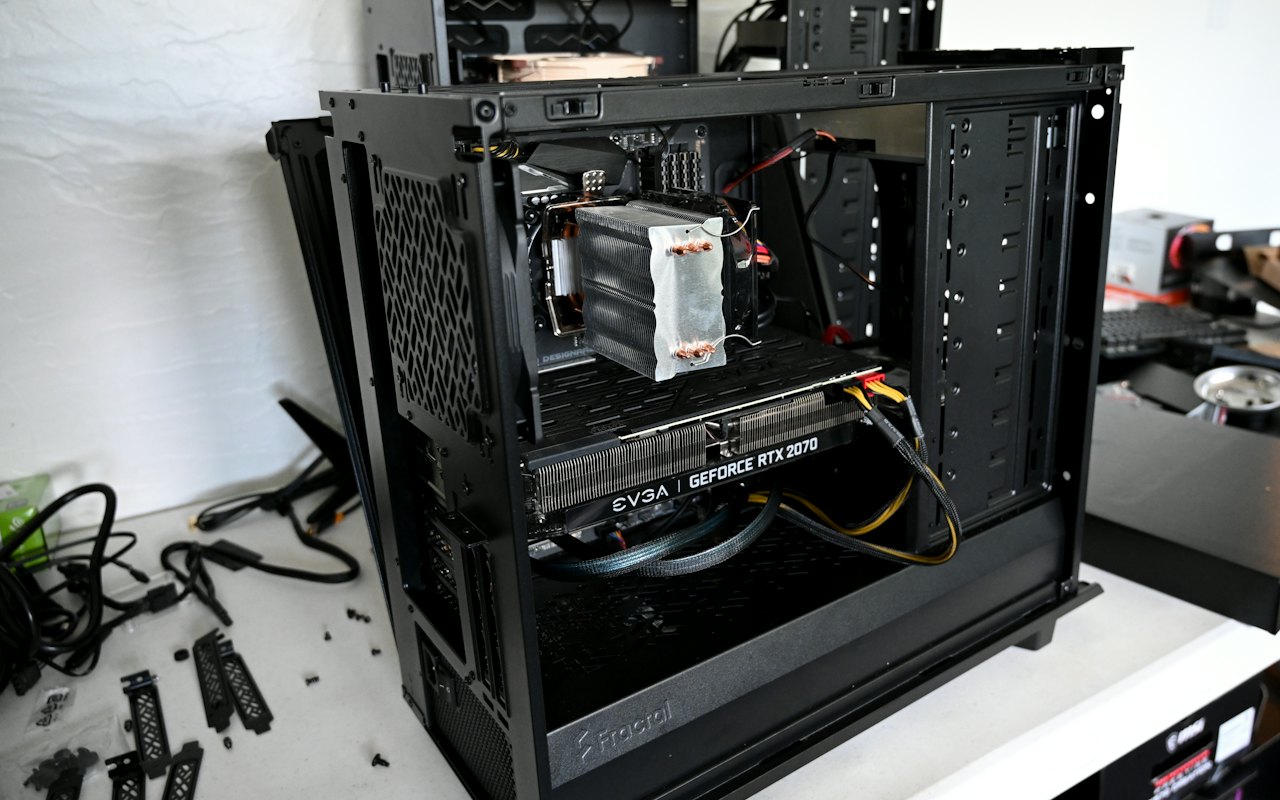
Memory is the limiting factor: the model has to fit in your computer's RAM or, better, in the graphics card's memory.
| Your computer | What it can run comfortably |
|---|---|
| 8 GB of RAM, no dedicated graphics | Small models, a few billion parameters; fine for simple drafting and summaries |
| 16 GB of RAM, or a recent Apple-silicon Mac | Mid-sized models; good general chat and writing help |
| 32 GB or more, or a graphics card with 12–24 GB of memory | Larger models with noticeably better reasoning and coding |
| Workstation with several high-memory graphics cards | The largest open models |
These are rough guides. Apple computers with unified memory and PCs with a recent Nvidia or AMD graphics card run models much faster than processors alone. You also need disk space: models range from a couple of gigabytes to tens of gigabytes each.
The easy way: a desktop app
Several free apps handle the technical work. Two widely used ones:
- Ollama. A lightweight tool that downloads and runs models with a single command, with a simple chat window. Popular with developers because other apps can connect to it.
- LM Studio. A graphical app with a built-in model browser that shows which models will fit your hardware.
Steps
- Download the app from its official website and install it.
- Choose a model. Start small: a model of a few billion parameters downloads quickly and runs on almost anything.
- Wait for the download.
- Open the chat window and type.
- If it is fast, try a larger model. If it is slow, try a smaller or more compressed one.
That is all most people need.
Doing more with it
- Chat with your documents. Many apps can index a folder of files and answer questions from them, entirely offline.
- Coding help. Editor extensions can use a local model for suggestions.
- Connect other apps. Tools such as Ollama expose a local interface that other software can call.
- Images. Open image models can also run locally, though they need a capable graphics card.
Staying safe
- Download only from official sources: the tool's own site and well-known model repositories. Model files from unknown sources can be tampered with.
- Keep the software updated.
- Do not expose the local server to the internet unless you know how to secure it.
- Read the licence before commercial use.
- Remember the limits. Local models make things up too; see AI hallucinations explained. And some open models have fewer safeguards than commercial products.
Is it private?
Yes, in the sense that matters: with a local model, your prompts are processed on your machine and are not sent to an AI company. That makes it a good option for material you would not put in a cloud chatbot — see what not to share with AI chatbots. Check that any add-ons you install, such as web search, do not send data elsewhere.
Getting better answers
Smaller models need clearer instructions. Keep prompts specific, give examples, and keep conversations short, because local models usually have smaller context windows; see tokens and context windows and how to write AI prompts.
Frequently asked questions
Can I run ChatGPT on my own computer?
No. ChatGPT's models are not published. You can run open-weight models such as Llama, Gemma, Mistral or Qwen, which offer a similar chat experience.
Do I need a graphics card to run AI locally?
No, but it helps a great deal. Small models run on a normal laptop; larger ones need a good graphics card or an Apple-silicon Mac.
Is running AI locally free?
The software and open models are free to download. You need suitable hardware and disk space.
Are local AI models as good as ChatGPT?
For everyday writing and summarising, good local models are useful. For the hardest tasks, the largest cloud models are still ahead.
This article was checked against the sources listed above on 12 November 2026. AI products change quickly: features, prices and availability can differ by plan and country, so confirm details with the company before relying on them. GetAIHow is independent and not affiliated with the companies it covers. Read our editorial policy and disclaimer.